---
title: "Confetti in Admit Decision Letters"
slug: "confetti-in-admit-decision-letters"
updated: 2026-07-16T18:03:01Z
published: 2026-07-16T18:03:01Z
canonical: "knowledge.technolutions.net/confetti-in-admit-decision-letters"
---
> ## Documentation Index
> Fetch the complete documentation index at: https://knowledge.technolutions.net/llms.txt
> Use this file to discover all available pages before exploring further.
# Confetti in Admit Decision Letters
[Decision letters](/v1/docs/decision-letters-decision-letters) in Slate support modern web functionality. Colleges and universities can enhance the online decision experience by embedding images, videos, and other interactive elements directly within the letter.
## Adding confetti
Embedding Confetti: To embed confetti that will fall when the student views his or her admit letter, click the **Source** button on your decision letter and add the following HTML code to the source code of the letter within the `<body> </body>` section:
```xml
```
- This will produce colorful confetti that will fall for 15 seconds.
- You can change the value of the timeout parameter or omit it entirely to keep the confetti falling.

## Customizing confetti colors
To customize the colors of the confetti, modify the script like so:
```xml
```
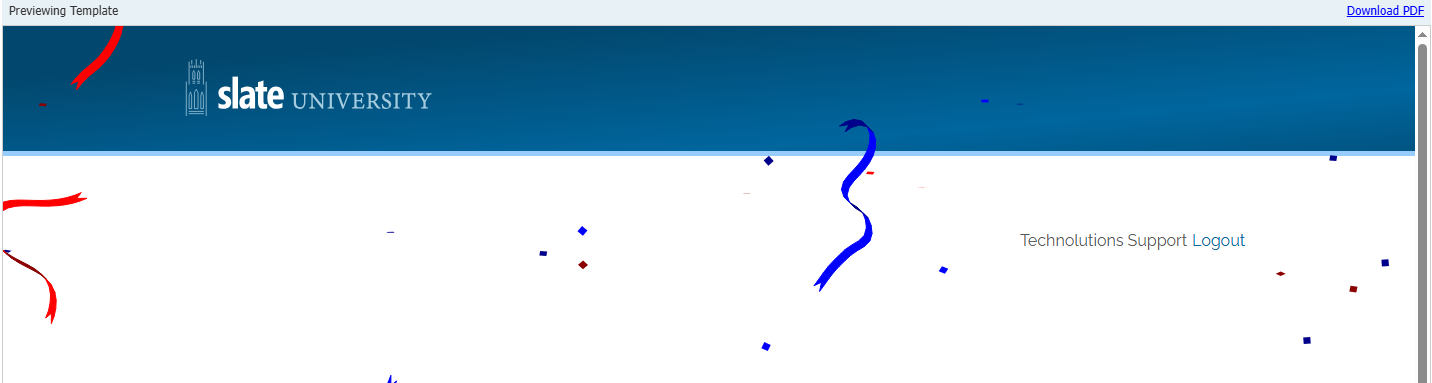
This code takes an [array](https://developer.mozilla.org/en-US/docs/Web/JavaScript/Reference/Global_Objects/Array) of color combinations that will be used for the strands (the `[ 'blue', 'darkblue' ]` array is one), where the first parameter defines the color for the first side of the confetti and the second parameter defines the color for the second side.
HTML color names can be used along with RGB hex colors, such as `#0000ff` for blue and `#ff0000` for red. For example, to show only blue confetti, use:
```xml
```
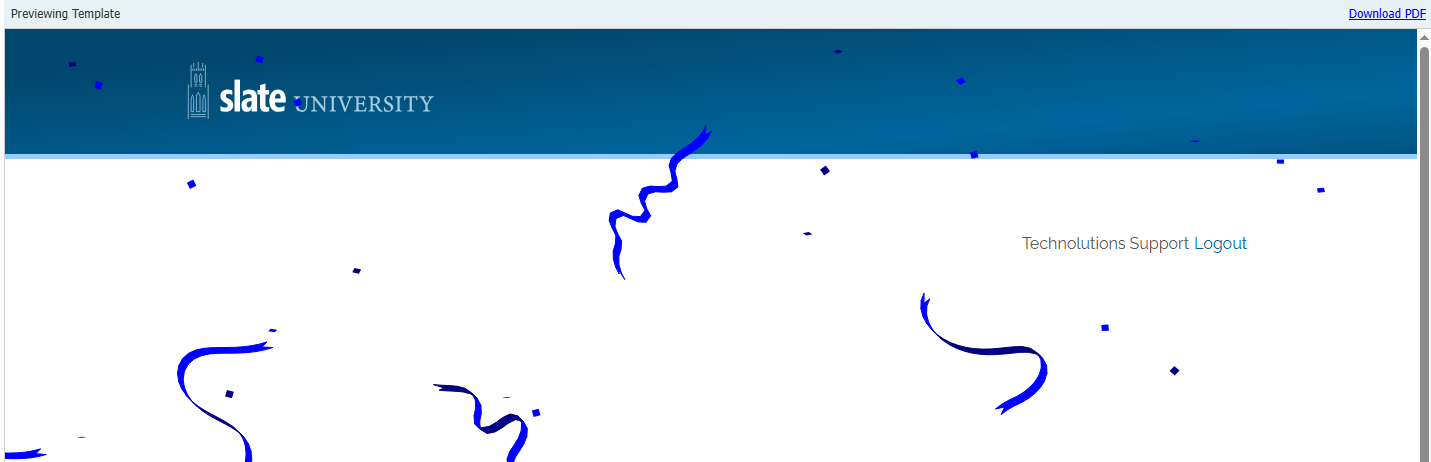
You can use an HTML color picker to help select your school colors for the confetti.
## Adding confetti images
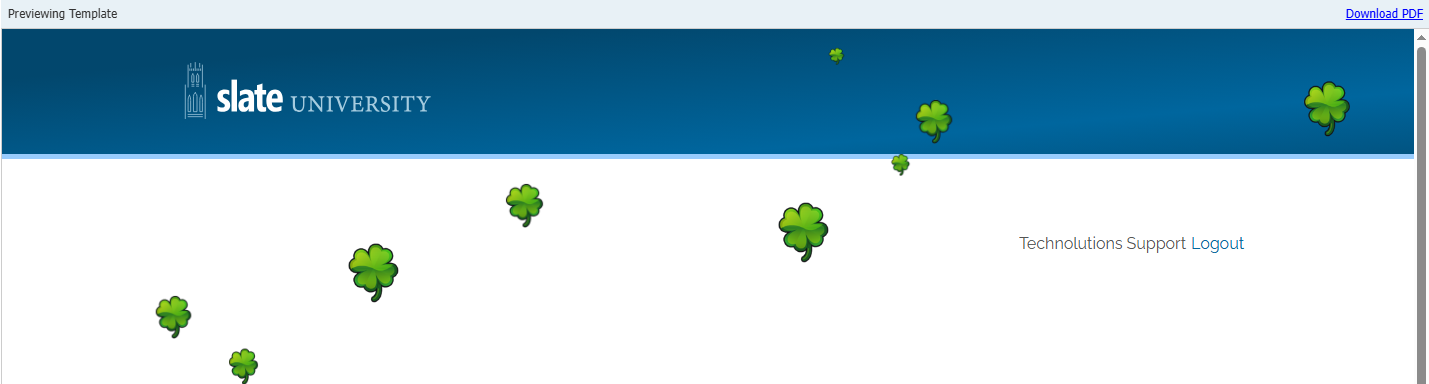
If you would like to use a custom image in place of the colorized confetti, you can use the following script instead, **replacing the URL** of the image as appropriate.
```xml
```